
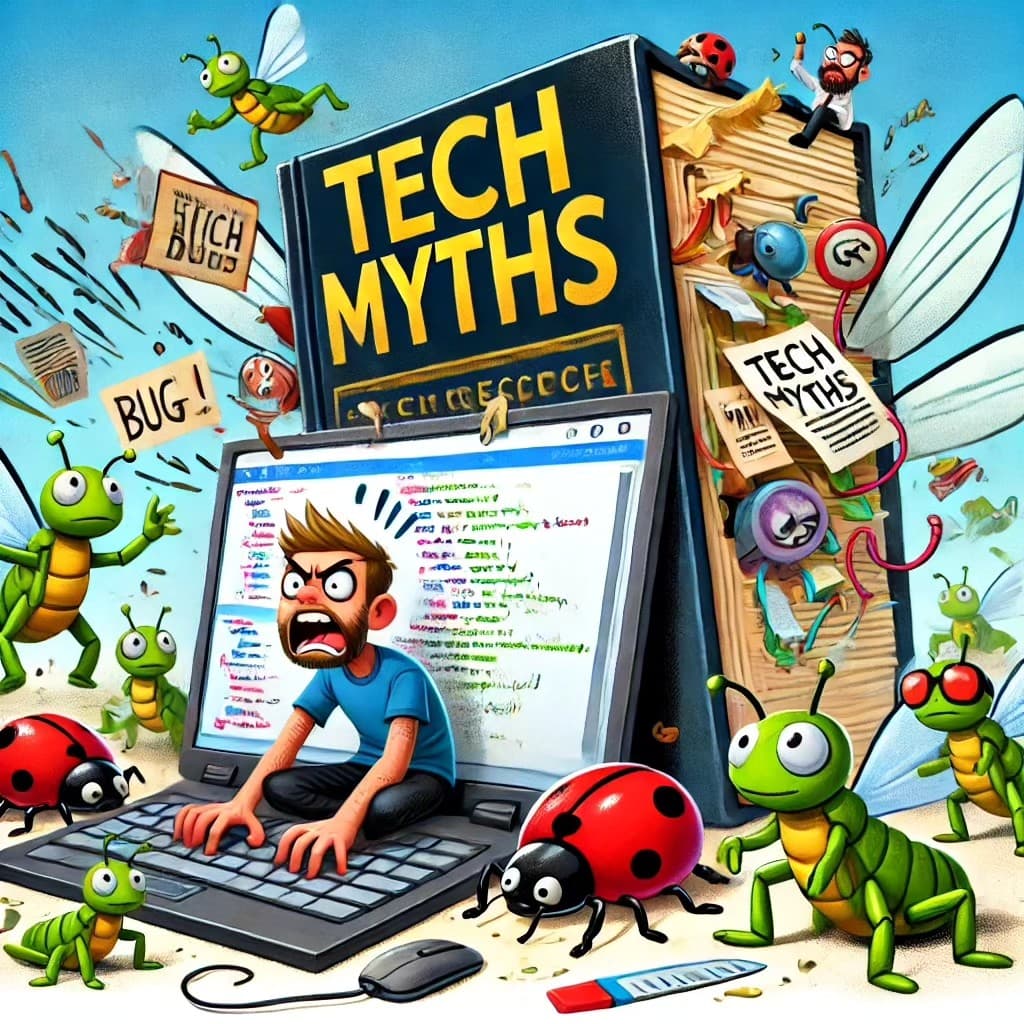
Programming has a reputation.
A strange one.
Some people imagine programmers as mysterious keyboard wizards sitting in dark rooms, typing at impossible speed, drinking coffee from suspiciously large mugs, and casually hacking into satellites before breakfast.
Hollywood has not helped.
According to movies, programming looks like this:
“Enhance the image. Reverse the firewall. Hack the mainframe. We have 12 seconds.”
Real programming is usually more like this:
“Why is this button 3 pixels too low?”
And then you spend 45 minutes discovering that you forgot one closing tag.
Beautiful.
Painful.
Educational.
If you are new to programming, you have probably heard many myths. Some sound scary. Some sound impressive. Some sound like they were invented by people who once saw a terminal and immediately closed the laptop.
So let’s bust a few of them.
Because programming is not magic.
It is not only for geniuses.
And no, you do not need a supercomputer, a PhD, or the ability to speak fluent binary while sleeping.
You need curiosity, patience, and the courage to read error messages without taking them personally.
Mostly.
Myth 1: You Need to Be a Math Genius
This is probably one of the most common myths.
People hear “programming” and immediately imagine advanced mathematics, equations flying across the screen, and someone whispering:
“Only those chosen by calculus may enter.”
No.
For most everyday programming, you do not need to be a math genius.
You need logic.
You need problem-solving.
You need to understand basic operations like:
let total = price * quantity;
That is not dark magic.
That is shopping with variables.
Of course, some areas of programming use heavy math.
Game engines, graphics, machine learning, cryptography, simulations — yes, math becomes more important there.
But if you are building websites, automating tasks, writing backend APIs, creating forms, working with databases, or learning your first programming language, you can start without being best friends with advanced calculus.
Most beginners need to understand things like:
- variables,
- conditions,
- loops,
- functions,
- arrays,
- objects,
- and why
trueis not the same as"true".
That last one will hurt at least once.
Reality
You do not need to be a math genius to start programming.
You need to be willing to think step by step.
And sometimes count from zero, because programmers looked at normal counting and said:
“Too easy. Let’s make beginners suffer a little.”
Myth 2: You Need an Expensive Computer
Another classic myth:
“I cannot learn programming because I do not have a powerful computer.”
Relax.
You are learning to code, not launching a weather satellite from your kitchen.
For beginner programming, almost any working laptop is enough.
If your computer can open a browser, run a text editor, and not collapse dramatically every time you press Enter, you can start.
You do not need:
- 64 CPU cores,
- 128 GB of RAM,
- glowing RGB lights,
- a liquid-cooled tower,
- or a machine that sounds like it is preparing for takeoff.
You can learn HTML, CSS, JavaScript, Python, Git, Linux basics, databases, and many other things on a modest laptop.
Yes, some tasks need more power.
Running multiple virtual machines, big Docker setups, mobile emulators, video editing, 3D rendering, machine learning — that can get heavy.
But for learning programming?
A normal computer is enough.
Many developers started on old machines that sounded tired but still worked.
Sometimes a weaker computer even teaches you good habits.
You learn to avoid unnecessary bloat.
You learn to close tabs.
You learn that opening 47 browser tabs is not a personality trait.
It is a cry for help.
Reality
Start with the computer you have.
Do not wait for the perfect setup.
The perfect setup is usually just procrastination wearing a nice keyboard.
Myth 3: Programming Is Boring
People sometimes imagine programming as staring at endless lines of text while slowly losing the will to live.
And yes, some code can look like that.
Especially legacy code.
Legacy code is code written by someone else, long ago, under mysterious circumstances, possibly during a thunderstorm.
But programming itself is not boring.
Programming is problem-solving.
It is building things.
It is making a button work.
It is creating a website.
It is automating something annoying.
It is writing a script that saves you 30 minutes and then spending 3 hours improving that script because now it has become personal.
Programming can be frustrating.
Absolutely.
But it is also satisfying.
Few things feel better than finally fixing a bug after searching, testing, doubting your life choices, and then realizing the problem was one typo.
A tiny typo.
A microscopic villain.
Programming is like solving puzzles where the puzzle sometimes argues back.
That is not boring.
That is chaos with structure.
Reality
Programming becomes interesting when you build things that matter to you.
A personal website.
A small game.
A script for your work.
A blog.
A dashboard.
A tool that solves a real problem.
The boring part is usually not programming.
The boring part is following tutorials without building anything of your own.
So build.
Break.
Fix.
Repeat.
That is where the fun starts.
Myth 4: You Need to Know Every Programming Language
Some beginners look at the programming world and panic.
There is Python.
JavaScript.
TypeScript.
Java.
C.
C++.
C#.
Rust.
Go.
PHP.
Ruby.
SQL.
Bash.
And then someone appears from the shadows and says:
“Have you tried Haskell?”
No wonder beginners feel overwhelmed.
But here is the truth:
You do not need to know every programming language.
Nobody does.
And if someone says they know every language, ask them to explain pointers in C while maintaining eye contact.
The room will become honest very quickly.
The best strategy is simple:
Pick one language.
Learn the basics properly.
Build small projects.
Then expand.
Once you understand programming concepts, learning another language becomes easier because many ideas repeat:
- variables,
- functions,
- conditions,
- loops,
- data structures,
- errors,
- modules,
- input and output.
The syntax changes.
The thinking stays similar.
Learning your first programming language is like learning to drive.
After that, switching cars is easier.
Some cars are automatic.
Some are manual.
Some are Java and ask you to write 12 lines before anything happens.
But the road makes more sense.
Reality
Start with one language.
Good beginner choices include:
- Python if you want something readable and friendly,
- JavaScript if you want to build websites,
- TypeScript if you already know JavaScript and want more structure,
- Java if you want strong backend foundations,
- C if you want to understand computers closer to the metal.
Do not collect languages like trophies.
Learn one well enough to build something.
That is much more valuable.
Myth 5: Programming Is Only for Geniuses
This myth needs to disappear.
Programming is not only for geniuses.
Programming is for people who are willing to learn, practice, fail, search, retry, and slowly improve.
Most programmers are not walking supercomputers.
They are normal people who learned how to break problems into smaller pieces.
They also search online constantly.
This is not a secret.
A big part of programming is knowing how to ask the right question.
Sometimes the most professional thing a developer does all day is type an error message into a search engine with the emotional energy of someone asking for rescue.
And that is fine.
Programming is not about knowing everything.
It is about knowing how to figure things out.
You do not need to be born with a special “developer brain”.
You build that brain through practice.
At first, everything feels strange.
Then patterns appear.
Then you start recognizing errors.
Then you fix something without searching and feel like a wizard for 14 seconds.
Enjoy those 14 seconds.
You earned them.
Reality
You do not need genius.
You need persistence.
The beginner who practices every day will beat the “genius” who only talks about learning and never writes code.
Harsh, but true.
The keyboard rewards action.
Not fantasy.
Myth 6: Real Programmers Do Not Make Mistakes
This one is funny.
Real programmers make mistakes all the time.
Constantly.
Daily.
Sometimes before coffee.
Sometimes because of coffee.
Programming is full of mistakes:
- syntax errors,
- missing semicolons,
- wrong variable names,
- broken imports,
- infinite loops,
- bad assumptions,
- off-by-one errors,
- accidentally deleting something important,
- fixing one bug and creating three new ones.
If you make mistakes, congratulations.
You are doing programming correctly.
The difference between a beginner and an experienced programmer is not that experienced programmers stop making mistakes.
The difference is that experienced programmers become better at finding and fixing them.
They read error messages.
They use debugging tools.
They test small changes.
They use version control.
They learn to stay calm when the terminal looks angry.
Well, mostly calm.
Sometimes the terminal deserves a suspicious look.
Reality
Mistakes are not proof that you are bad at programming.
Mistakes are part of programming.
The real skill is debugging.
Writing code is only half the work.
Fixing it is where the character development happens.
Myth 7: You Need a Degree to Become a Programmer
A computer science degree can be useful.
It can teach theory, algorithms, systems, mathematics, and structured thinking.
But it is not the only path.
Many programmers are self-taught.
Many learned through online courses, documentation, books, tutorials, open-source projects, bootcamps, work experience, and personal projects.
What matters most is not the paper.
What matters is whether you can solve problems and build things.
A degree may help you open some doors.
But your skills, projects, consistency, and ability to learn will matter a lot.
Especially in practical programming.
If you do not have a degree, do not use that as an excuse.
Build a portfolio.
Create projects.
Write code.
Publish your work.
Learn Git.
Understand basic software architecture.
Practice explaining what you built.
The market does not reward people who only say:
“I want to become a developer.”
It rewards people who show:
“Here is what I built.”
Reality
A degree can help.
But it is not mandatory.
A strong portfolio, practical skills, and consistent learning can take you very far.
No diploma will debug your code for you.
Unfortunately.
Myth 8: You Must Start Young
Some people think programming is only for teenagers who started coding at age twelve and built a robot before breakfast.
Wrong.
You can start programming at 15.
At 25.
At 35.
At 50.
At 70.
Your age is not the problem.
Your consistency is.
Adults often bring advantages to programming:
- patience,
- real-world experience,
- discipline,
- communication skills,
- understanding of business problems,
- ability to connect programming with practical needs.
A teenager may learn syntax quickly.
An adult may understand why a tool matters in real life.
Both can become good programmers.
There is no magical age limit where the computer says:
“Sorry, you are too old for variables.”
That would be rude.
Even for a compiler.
Reality
You can start later.
You can still learn.
You may need time.
You may need patience.
But you are not late.
You are just starting from where you are.
That is allowed.
Myth 9: You Need to Memorize Everything
Beginners often think programmers memorize every command, function, syntax rule, and library.
No.
Absolutely not.
Programmers forget things constantly.
Even experienced developers search basic syntax sometimes.
Not because they are bad.
Because programming is huge.
There are too many languages, frameworks, APIs, libraries, tools, and version-specific details to memorize everything.
The goal is not to memorize the entire internet.
The goal is to understand concepts and know how to find reliable information.
Documentation exists for a reason.
Search exists for a reason.
Notes exist for a reason.
Your brain is not a hard drive.
And even hard drives fail.
Reality
Understand the concepts.
Practice enough to remember common patterns.
Look up the rest.
A good programmer is not someone who knows everything.
A good programmer is someone who can learn what is needed and apply it correctly.
Myth 10: Programming Is Just Writing Code
This is a sneaky myth.
Programming is not just typing code.
Programming includes:
- understanding the problem,
- planning a solution,
- choosing tools,
- reading documentation,
- debugging,
- testing,
- refactoring,
- communicating,
- naming things,
- organizing files,
- maintaining projects,
- and occasionally wondering why something worked yesterday.
Code is the visible part.
Thinking is the hidden part.
That is why a developer may stare at the screen for 20 minutes and then write three lines.
To outsiders, it looks like nothing happened.
Inside the developer’s brain, a small committee fought a war.
Programming is mostly problem-solving.
Typing is just the part the keyboard sees.
Reality
Do not judge progress only by the number of lines written.
Sometimes deleting code is progress.
Sometimes simplifying code is progress.
Sometimes realizing your first idea was bad is progress.
Painful progress.
But still progress.
What Programming Really Is
Programming is the art of giving instructions to a computer.
Very precise instructions.
Painfully precise instructions.
A human understands:
“Put the button somewhere nice.”
A computer asks:
“Define nice.”
That is programming.
You learn to be specific.
You learn to break big ideas into smaller steps.
You learn to think logically.
You learn to test.
You learn to fail without exploding emotionally every time.
Mostly.
Programming teaches patience.
It teaches humility.
It teaches you that one missing character can ruin your afternoon.
But it also gives you the power to create.
And that is worth it.
How to Start Without Getting Lost
If you are a beginner, keep it simple.
Do not try to learn everything at once.
A good starting path could be:
- Learn basic HTML.
- Learn basic CSS.
- Learn JavaScript fundamentals.
- Build small web pages.
- Learn Git and GitHub.
- Learn one backend language or framework later.
- Build real projects.
Do not start by trying to build “the next Facebook”.
Start with:
- a personal page,
- a calculator,
- a todo list,
- a blog layout,
- a simple form,
- a small API,
- a script that renames files,
- a project that solves one tiny problem.
Small projects are not childish.
Small projects are how you learn.
Big projects are just many small problems wearing a trench coat.
Final Thoughts
Programming is surrounded by myths.
You do not need to be a math genius.
You do not need a supercomputer.
You do not need to know every language.
You do not need to be a genius.
You do not need a perfect start.
You need to begin.
Then continue.
Then fail.
Then fix.
Then repeat.
That is the real path.
Programming is not magic, but it can feel magical when something finally works.
And yes, sometimes you will spend two hours fixing a problem caused by one typo.
That is not failure.
That is tradition.
Ready to Learn More?
If you want to start with the foundations of the web, begin with HTML and CSS.
They are friendly, visual, and perfect for beginners.
You can start here:
And after that:
Take your time.
Write code.
Break things safely.
Fix them.
And remember:
Every error message is not an insult.
It is just your computer saying:
“I need better instructions.”