
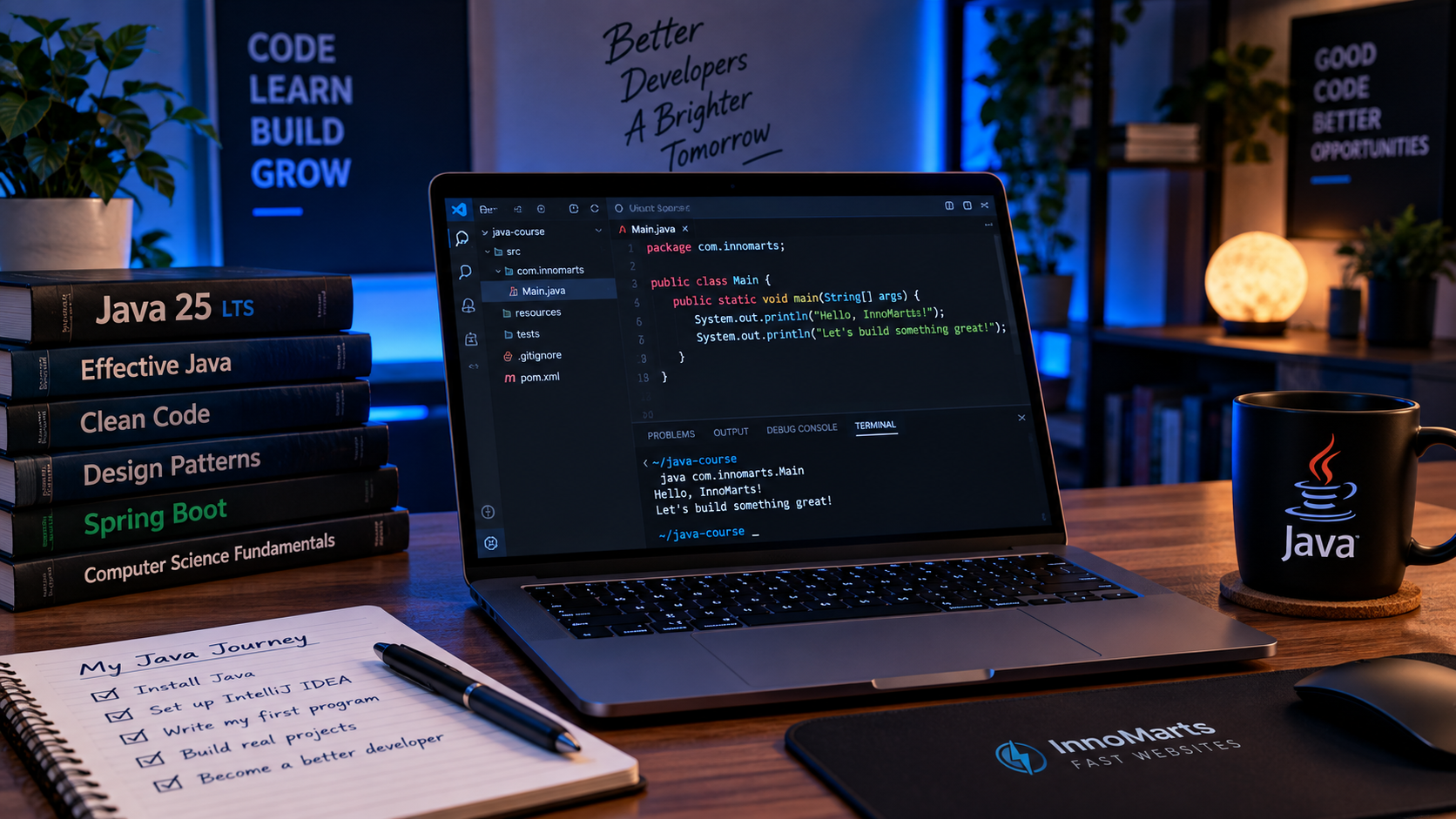
Welcome to the InnoMarts Java Course ☕
If Java currently looks like this:
public static void main(String[] args)
…and your first thought is:
“Why does a simple program already look like someone dropped a keyboard down the stairs?”
Don't worry. You're exactly where you should be.
This course will take you from zero Java knowledge to building real programs on your own.
No endless theory.
No memorizing 300 keywords before writing your first useful program.
We will learn Java the way programming should be learned:
write code → break code → understand why it broke → fix it → build something better.
🚀 What You Will Learn
By the end of this course, you will understand how to:
- write and run Java programs;
- work with variables and data types;
- make decisions using
if,else, andswitch; - repeat operations using loops;
- organize code with methods;
- work with arrays and collections;
- create classes and objects;
- understand Object-Oriented Programming;
- use inheritance, interfaces, and polymorphism;
- handle errors with exceptions;
- read and write files;
- use modern Java features;
- manage projects with Maven;
- write automated tests with JUnit;
- debug applications with IntelliJ IDEA;
- use Git and GitHub;
- structure real Java projects.
Most importantly, you will learn how to turn a problem into working Java code.
🛠 What We Will Use
Java 25 LTS
We will use Java 25 LTS throughout the course.
IntelliJ IDEA
Our main development environment for writing, running, debugging, and organizing Java applications.
Maven
Later in the course, Maven will help us manage dependencies and project builds.
Git & GitHub
We will also learn the basic version-control workflow used in real software projects.
📚 Course Roadmap
You do not need to understand everything below yet.
If you already understand all of it, you probably don't need this course. 😄
Part 1 — Getting Started
01 — Getting Started with Java
Install Java 25 LTS, install IntelliJ IDEA, configure your development environment, and create your first Java project.
02 — Your First Java Program
Write your first Java program and understand Main, main(), and System.out.println().
03 — How Java Runs Your Code
Understand the basic journey from Java source code to compiler, bytecode, JVM, and running application.
Part 2 — Java Basics
04 — Variables and Data Types
Learn how Java stores numbers, text, booleans, characters, and other values.
05 — Working with Strings
Create, combine, compare, and manipulate text.
06 — Operators
Work with arithmetic, comparison, logical, and assignment operators.
07 — User Input with Scanner
Make your programs interactive by reading input from the user.
08 — Conditions: if, else if, and else
Teach your programs to make decisions.
09 — switch Statements
Handle multiple possible choices without building a tower of if statements.
10 — for Loops
Repeat code efficiently using for.
11 — while and do-while Loops
Learn other ways to repeat operations when you don't know exactly how many repetitions you need.
12 — Mini Project: Number Guessing Game
Combine variables, input, conditions, and loops to build your first small game.
Part 3 — Methods and Program Structure
13 — Methods
Stop putting everything inside main() and learn how to organize your code.
14 — Parameters and Return Values
Send information into methods and receive results back.
15 — Method Overloading
Learn how Java allows several methods to share the same name.
16 — Mini Project: Console Calculator
Build a calculator using reusable methods and clean program structure.
Part 4 — Working with Data
17 — Arrays
Store multiple values of the same type inside one structure.
18 — ArrayList
Work with lists that can grow and shrink while your program runs.
19 — HashMap and Set
Learn how Java stores key-value data and collections of unique values.
20 — Mini Project: Contact Manager
Build an application that stores and manages contacts.
Part 5 — Object-Oriented Programming
Welcome to one of the most important parts of Java.
21 — Classes and Objects
Learn how Java represents things such as users, cars, products, and bank accounts.
22 — Constructors and Encapsulation
Create objects properly and protect their internal state.
23 — Inheritance
Reuse and extend behavior between related classes.
24 — Method Overriding and Polymorphism
Learn how different objects can respond differently to the same method call.
25 — Abstract Classes and Interfaces
Define common behavior and contracts between different classes.
26 — Mini Project: Bank Account System
Apply classes, inheritance, encapsulation, interfaces, and polymorphism in a practical project.
Unfortunately, the money will still be imaginary.
Part 6 — Real Java
27 — Exceptions and Error Handling
Learn how to handle problems without letting your application explode dramatically.
28 — Reading and Writing Files
Save information to disk and load it again later.
29 — Enums and Records
Use modern Java structures for fixed values and simple data objects.
30 — Generics
Write reusable code that works safely with different data types.
31 — Lambdas and Streams
Learn a modern way to process collections and write expressive Java code.
32 — Date and Time
Work with dates, times, durations, and Java's modern Date and Time API.
33 — Mini Project: Task Manager
Build a task manager that can save and restore its data.
Closing the application will no longer destroy civilization.
Part 7 — Working Like a Java Developer
Knowing Java syntax is only part of becoming a Java developer.
Now we start using the tools that appear in real projects.
34 — Maven
Understand pom.xml, dependencies, builds, and Maven project structure.
35 — Unit Testing with JUnit
Write tests that automatically check whether your code behaves correctly.
36 — Debugging with IntelliJ IDEA
Use breakpoints, variable inspection, and the debugger instead of adding 47 println() statements.
37 — Git and GitHub
Track your code, create commits, and publish your project using Git.
38 — Structuring a Real Java Project
Learn how larger Java applications are organized.
Part 8 — Final Project
39 — Final Java Project
Bring everything together in a larger application using:
- multiple classes;
- Object-Oriented Programming;
- collections;
- validation;
- exceptions;
- file storage;
- Maven;
- tests;
- Git.
At this point, you will gradually make more decisions yourself.
That is the moment when you stop simply following Java tutorials and start actually programming in Java.
🧪 Learn by Building
During the course, we will build several projects:
- 🎯 Number Guessing Game
- 🧮 Console Calculator
- 👤 Contact Manager
- 💰 Bank Account System
- ✅ Task Manager
- 🚀 Final Java Project
Each project will combine concepts from previous lessons with something new.
🧠 How to Follow This Course
Programming is not a spectator sport.
Watching someone write Java for three hours does not magically install Java knowledge into your brain.
For every lesson:
- Read the explanation.
- Type the code yourself.
- Run it.
- Change something.
- Break it.
- Read the error.
- Fix it.
- Complete the exercise.
Copying code can sometimes be useful.
Understanding why the code works is much more useful.
💥 Don't Be Afraid of Errors
During this course, you will eventually see messages such as:
cannot find symbol
or:
';' expected
or perhaps a frightening wall of red text.
This is normal.
Errors are not Java telling you:
You are terrible at programming.
They are Java telling you:
Something happened here. Let's figure out what.
Learning how to read errors is one of the most valuable programming skills you can develop.
🗺 Where This Course Leads
Java is used for many different types of software, but this course will prepare you especially well for backend development.
The learning path on InnoMarts will eventually look like:
Java → Spring Boot → REST APIs → Databases → Docker → Kubernetes
By the time you reach Spring Boot, concepts such as classes, interfaces, exceptions, collections, Maven, and dependency management will already make sense.
And Spring will look considerably less like black magic. ☕
☕ Ready?
Enough talking about Java.
It's time to actually write some.